
Contents
How to create your Prime Opinion account and verify your email
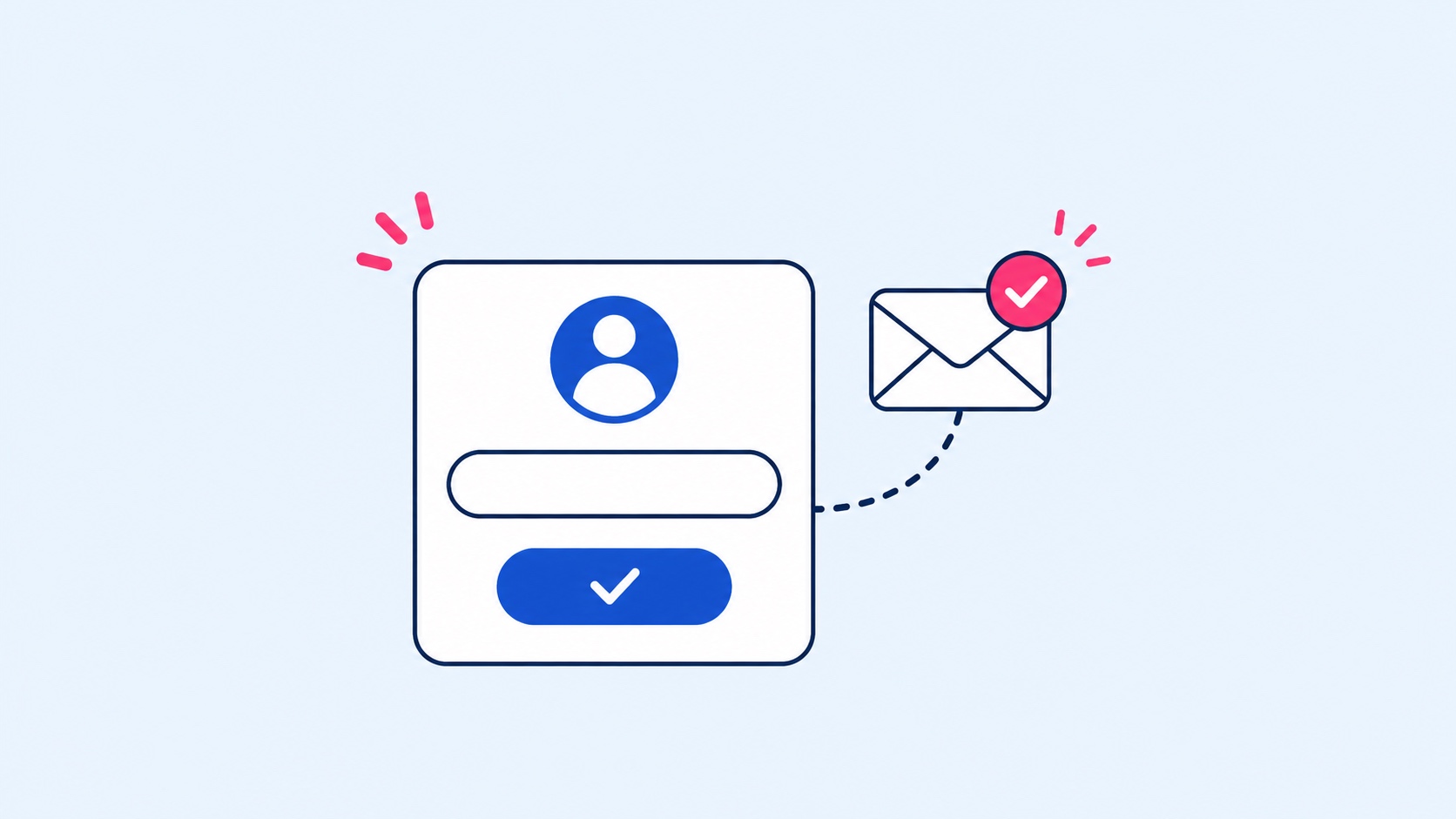
Creating a Prime Opinion account takes a few minutes. Follow the steps below to sign up, verify your email and start exploring surveys you can complete to earn points and redeem rewards.
Create your account
- Go to the Prime Opinion website.
- Select Sign up.
- Follow the registration steps and enter the details requested, such as your email address and a password.
- Complete any extra steps shown during registration.
Verify your email
If Prime Opinion asks you to verify your email address:
- Open the inbox of the email address you registered with.
- Look for the verification email from Prime Opinion.
- Open it and follow the verification link or instructions.
- Go back to Prime Opinion and finish any remaining sign-up steps.
If the email isn't there, check your spam or junk folder and make sure you entered the right email address.
Start using Prime Opinion
Once registration is complete, you can browse the available surveys and start taking them. Prime Opinion awards points for completed surveys and offers, and you can redeem your points for the available rewards.
Still can't create your account?
If you have trouble creating your account or verifying your email, contact Prime Opinion Support at [email protected] or through the contact form.

Lewis Doddy is a content writer specialising in clear, research-backed guides. His work focuses on giving readers honest comparisons, real numbers, and practical takeaways they can actually use.